
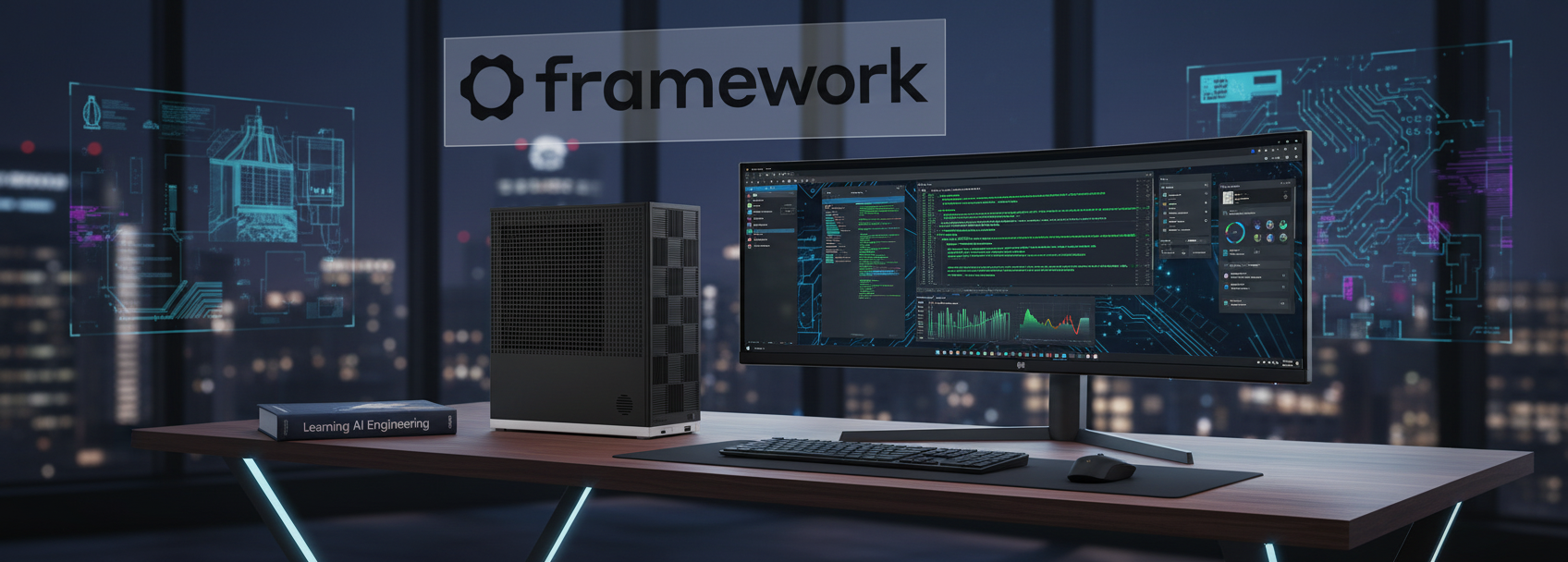
For those of us experimenting with local Large Language Models (LLMs), the hardware ceiling is almost always defined by video memory. My current workstations, equipped with a 3060 Ti (8GB) and a 5070 Ti OC (16GB), are excellent for daily tasks and gaming, but they hit a hard wall when attempting to load anything beyond small-to-medium parameter models. This limitation drove my decision to purchase the new Framework Desktop. My goal was twofold: to build a dedicated, secure Linux workstation and, more importantly, to create a host capable of running large models entirely in memory. I opted for a configuration boasting 128GB of RAM, a capacity that fundamentally changes what is possible for local inference.
The fulfillment process required some patience, taking approximately three months from the initial order to delivery. However, the assembly experience aligned perfectly with Framework’s reputation for repairability and modularity. The build process was straightforward, devoid of the sharp edges or proprietary frustrations often found in pre-built chassis. Once assembled, the system proved remarkably unobtrusive. Unlike my gaming rigs and homelab servers, which tend to generate significant fan noise under load, the Framework Desktop is exceptionally quiet. It is currently running KDE on Fedora 43, booting from a Samsung 990 Pro 4TB NVMe drive. The combination of the lightweight desktop environment and high-speed storage makes the system feel incredibly responsive and “zippy” in daily use.
From a software perspective, configuring the environment for AI workloads was surprisingly smooth. The system utilizes the AMD AI MAX+ 395 CPU paired with Radeon 8060S graphics. I was able to initialize the ROCm backend without significant friction, allowing me to leverage the unified memory architecture immediately. The performance trade-off here is distinct: while this architecture does not offer the raw compute speed of high-end dedicated RTX series GPUs, it offers massive bandwidth and capacity. You aren’t racing for the fastest token generation; you are paying for the ability to load models that would simply crash on a standard consumer GPU or get layered into CPU and standard memory. (see earlier blog post about gpt-oss-120b)
Benchmarking the Framework Desktop
I have performed initial benchmarking on two distinct models to gauge the system’s capabilities. First, I tested Qwen3-30b-Coder, a substantial model that would struggle on my other cards. The system managed a prompt processing speed of roughly 308 tokens per second (t/s) and a text generation speed of roughly 23 t/s.

For a lighter workload, I tested gemma3-latest (4B). As expected with a smaller parameter count, the throughput increased significantly, achieving approximately 50 t/s in text generation.

I attempted to benchmark gpt-oss-12ob-F16 model, but the llama-bench kept failing to load the model while llama-cpp loaded it fine and I could query it. Though I was getting very poor t/s with it. It will require more investigation and hopefully I can get it working with llama-bench and working more efficiently.
Summary
Overall, the Framework Desktop and the AMD AI MAX+ 395 CPU represent a compelling shift in how we can approach local AI. While it does not replace the raw floating-point performance of an RTX xx90 series card for training or gaming, it excels as an inference engine for large models. The 128GB memory buffer allows for a level of experimentation that was previously inaccessible without enterprise-grade hardware. For users prioritizing privacy, open-source compatibility, and the ability to run massive models locally, this setup offers a balanced and capable solution. …if you are willing to be patient and let Qwen3-30b work. There is still work to do for both AMD and my learning curve to using the Framework Desktop to it’s full potential.
